Aurora | Web & Design Agency Divi Theme
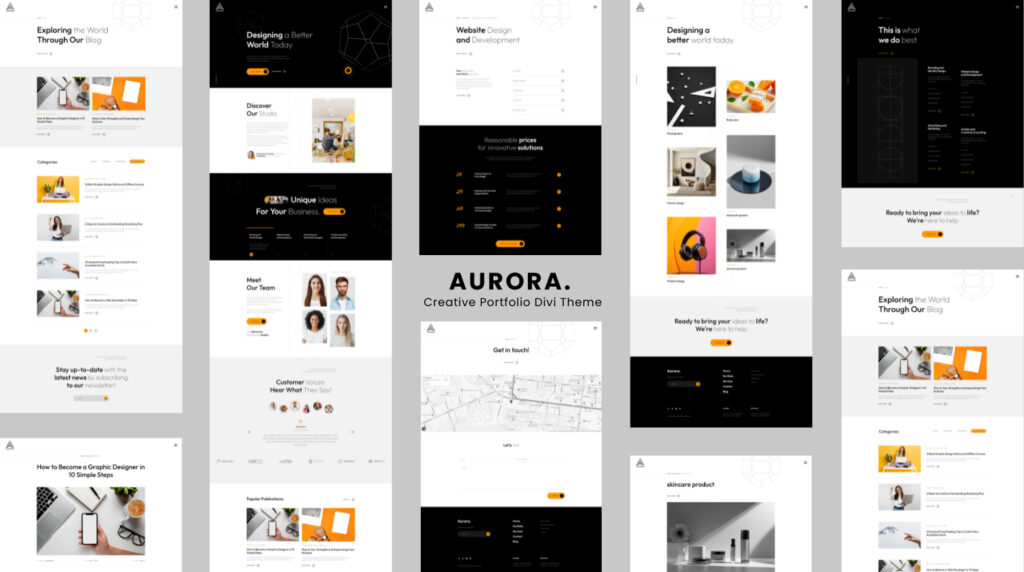
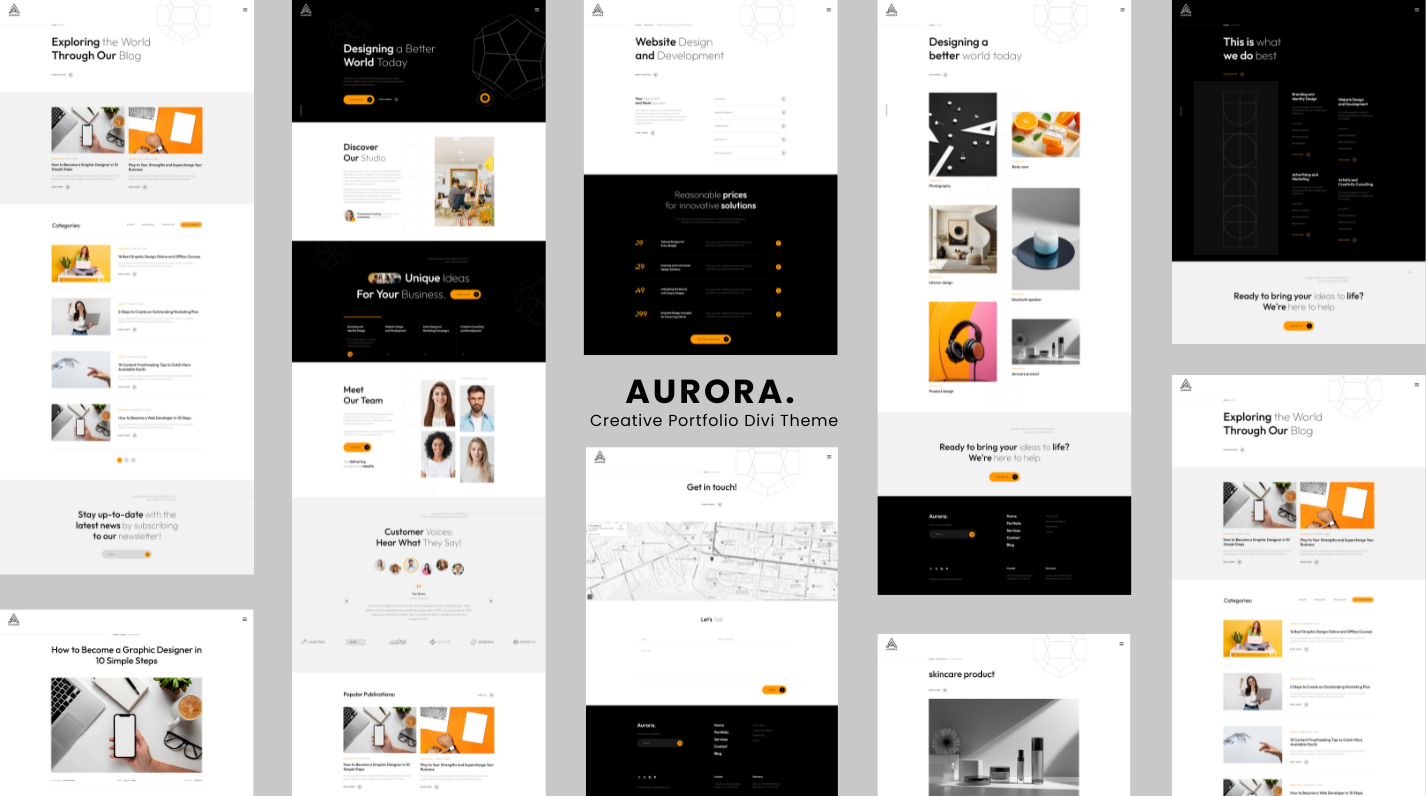
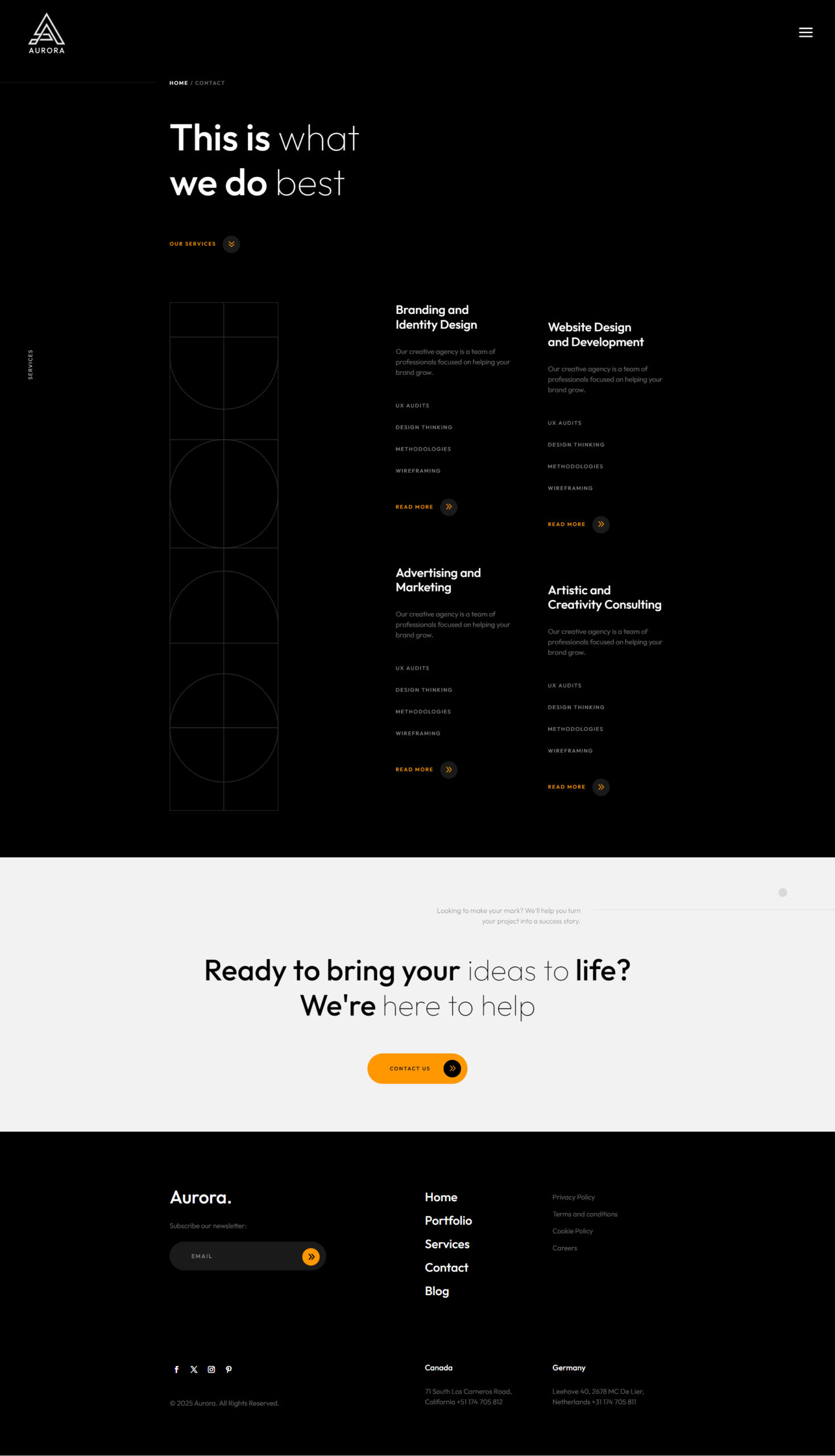
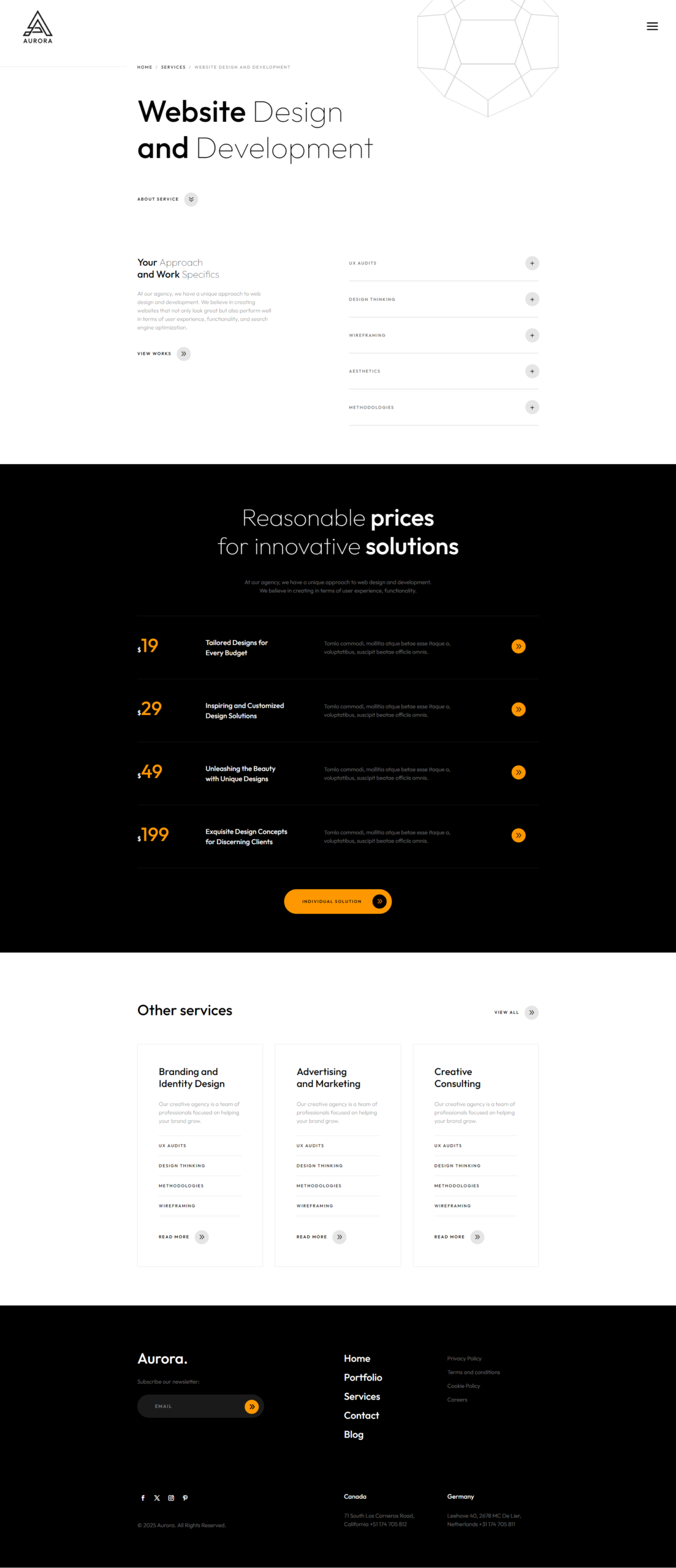
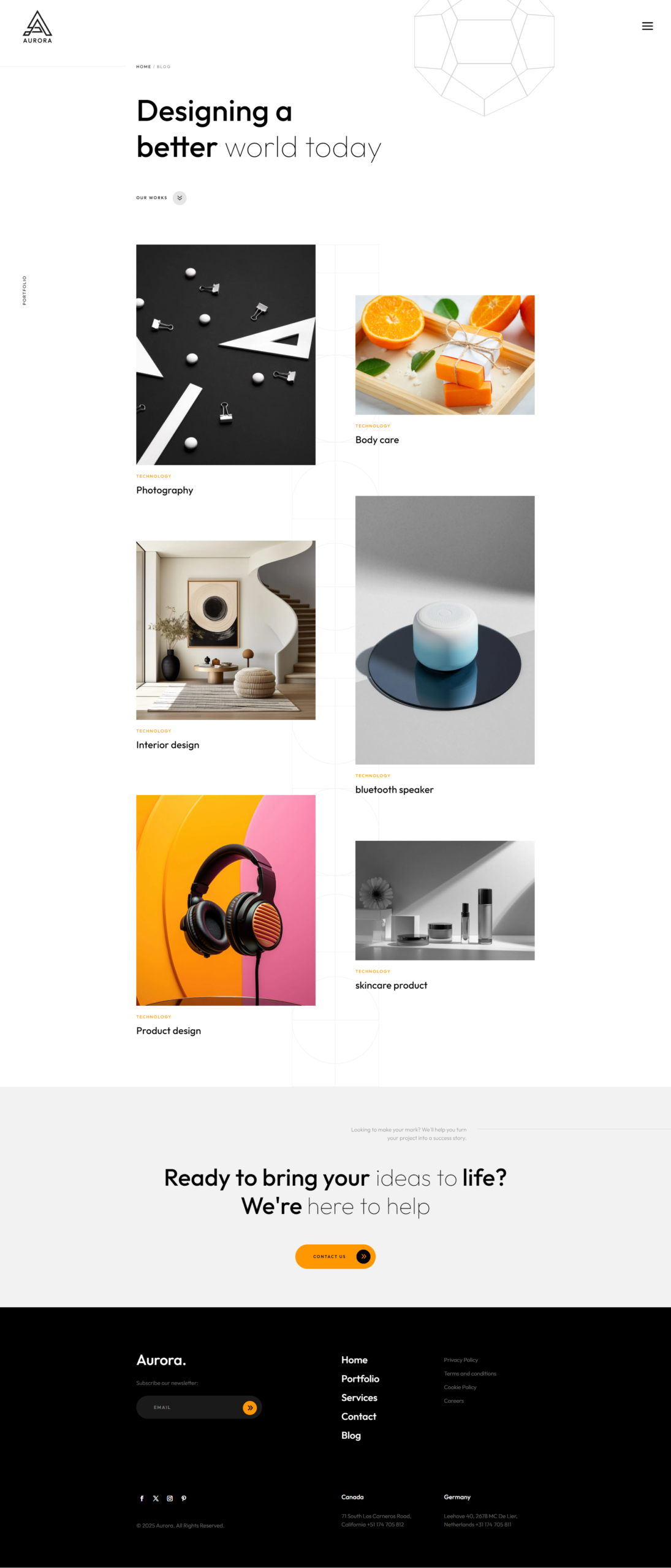
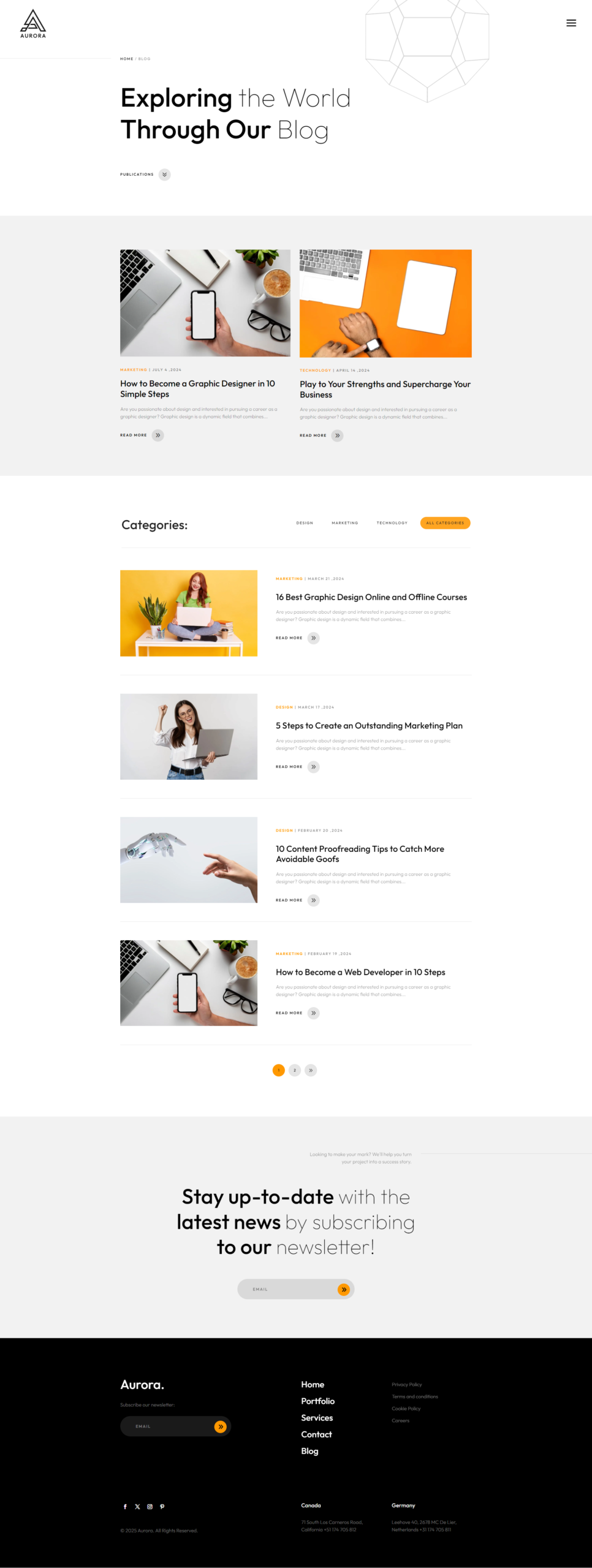
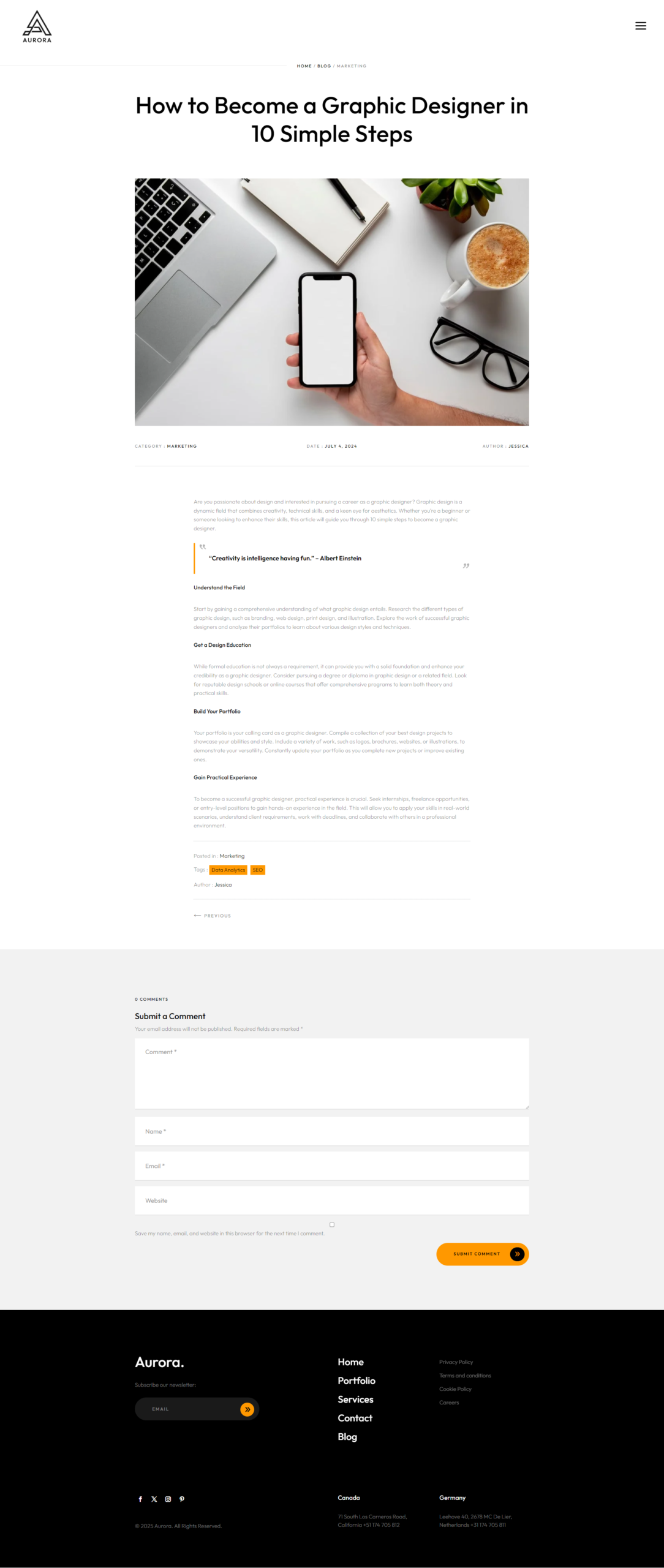
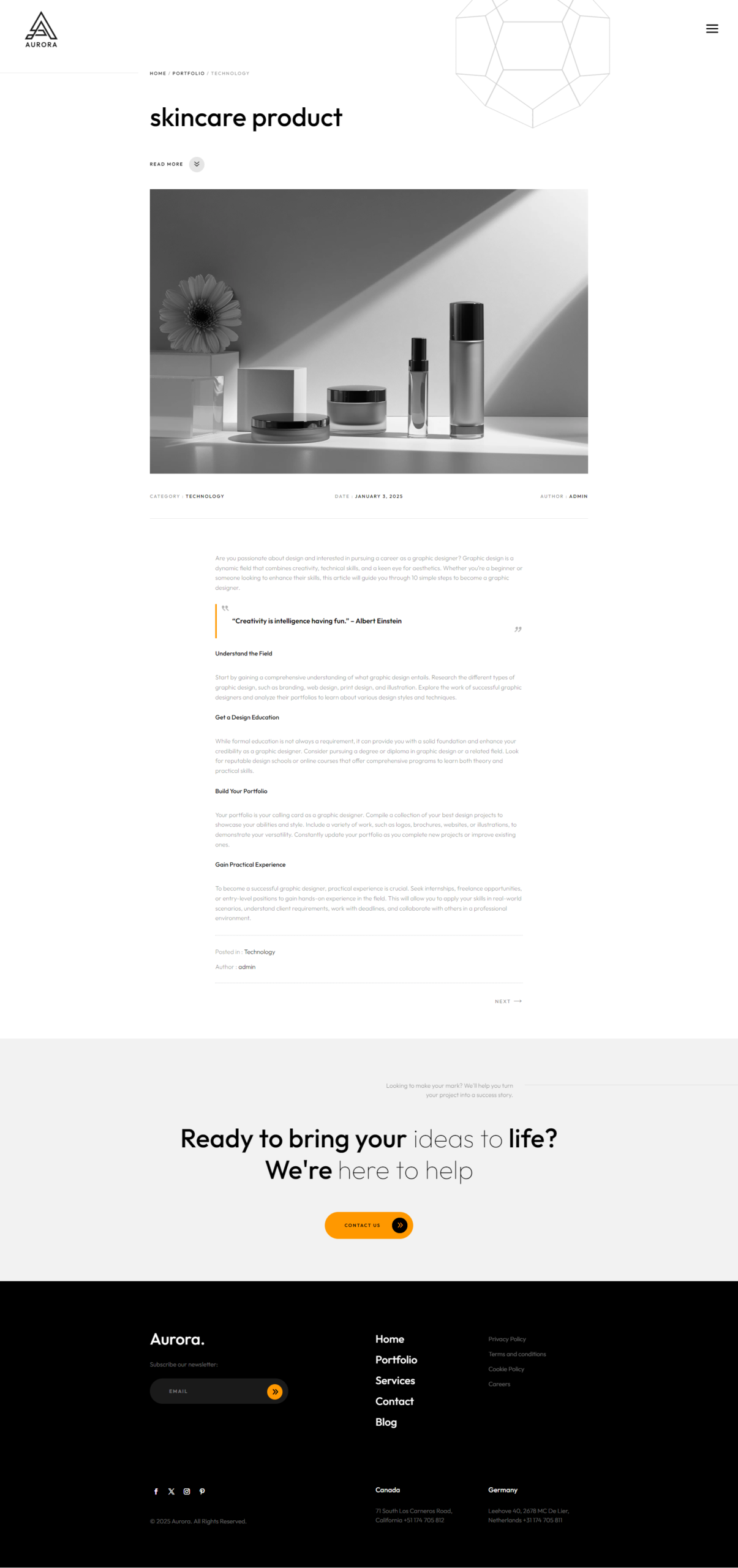
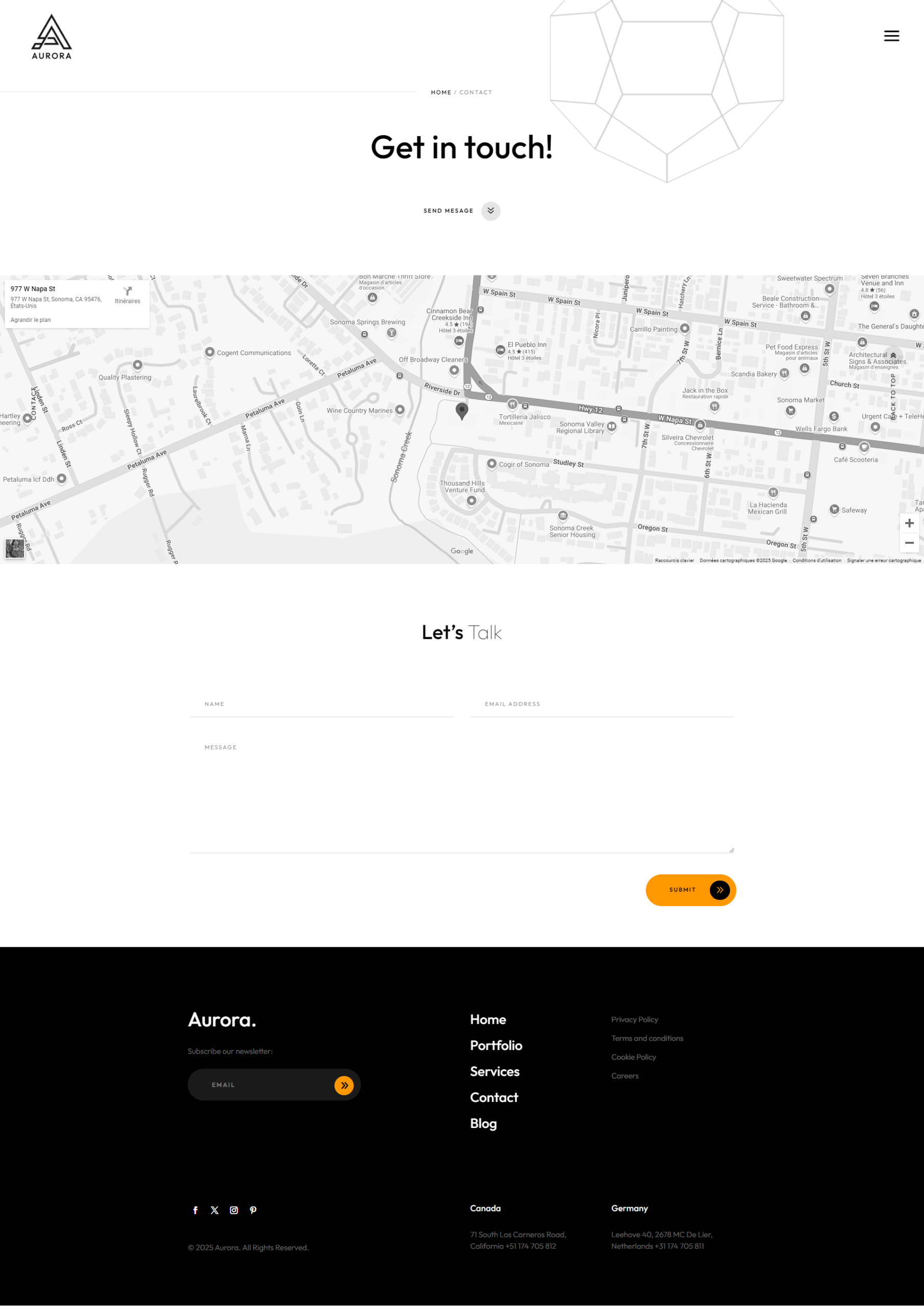
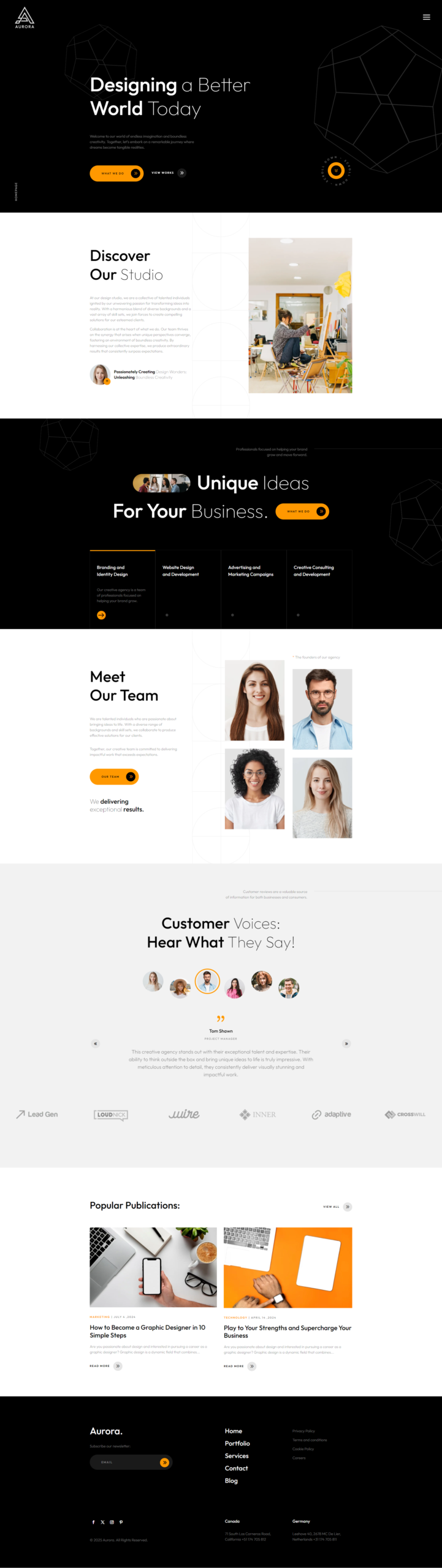
Meet Aurora
The ultimate Divi theme for stunning, high-performance websites.
Key Features
Striking Visuals
Clean, modern, and elegant layouts that leave a lasting impression.
Fully Responsive
Beautiful display across all devices — mobile, tablet, and desktop.
Lightning-Fast Performance
Optimized for speed without ever compromising style.
Highly Customizable
Tailor every element to your vision, including global color management with Divi Global Colors.
SEO Optimized
Built to improve your rankings and visibility on search engines.
Divi Builder Ready
Fully compatible with Divi’s intuitive builder for easy updates and edits.
Smooth Animations
Engaging transitions that enhance user experience and bring your site to life.
One-Click Import
Quick and effortless setup, your site is ready in just minutes.
🔥 Stand out from the crowd
Make your website unforgettable with Aurora.
Premium Support
Our team is here to help you every step of the way.
contact@pixelperfect.website
⏱ We respond within 24 hours
How to Install Your Pixel Perfect Divi Theme
Follow these steps to get your site up and running in minutes.
Requirements
- WordPress 6.0+
- Divi 5 installed
- PHP 7.4+
Install the Child Theme
- Log in to your WordPress admin dashboard.
- Go to Appearance → Themes → Add New → Upload Theme..
- Click Choose File and select the .zip file included with your purchase.
- Click Install Now, then Activate.
Run the Import
- Click the theme menu item in your WordPress sidebar.
- On the import screen, click Start Import.
- The installer will automatically import:
- Child theme files
- Pages & content
- Images & media
- Menus & navigation
- Divi Theme Options
- Customizer settings
- Divi Library layouts
- Theme Builder
That's it ! Enjoy your new site! 🎉
Your theme is fully installed and ready to go. Browse your site and explore everything that's been set up for you.
Need Help?
If you run into any issues during installation, contact our support team and include a screenshot of the error message.
Contact Support$49.00
Unlimited Website Usage
1 Year Support & Updates
Tags
Explore More Themes