Beacon | Next-Gen SaaS, Tech & AI Divi Theme
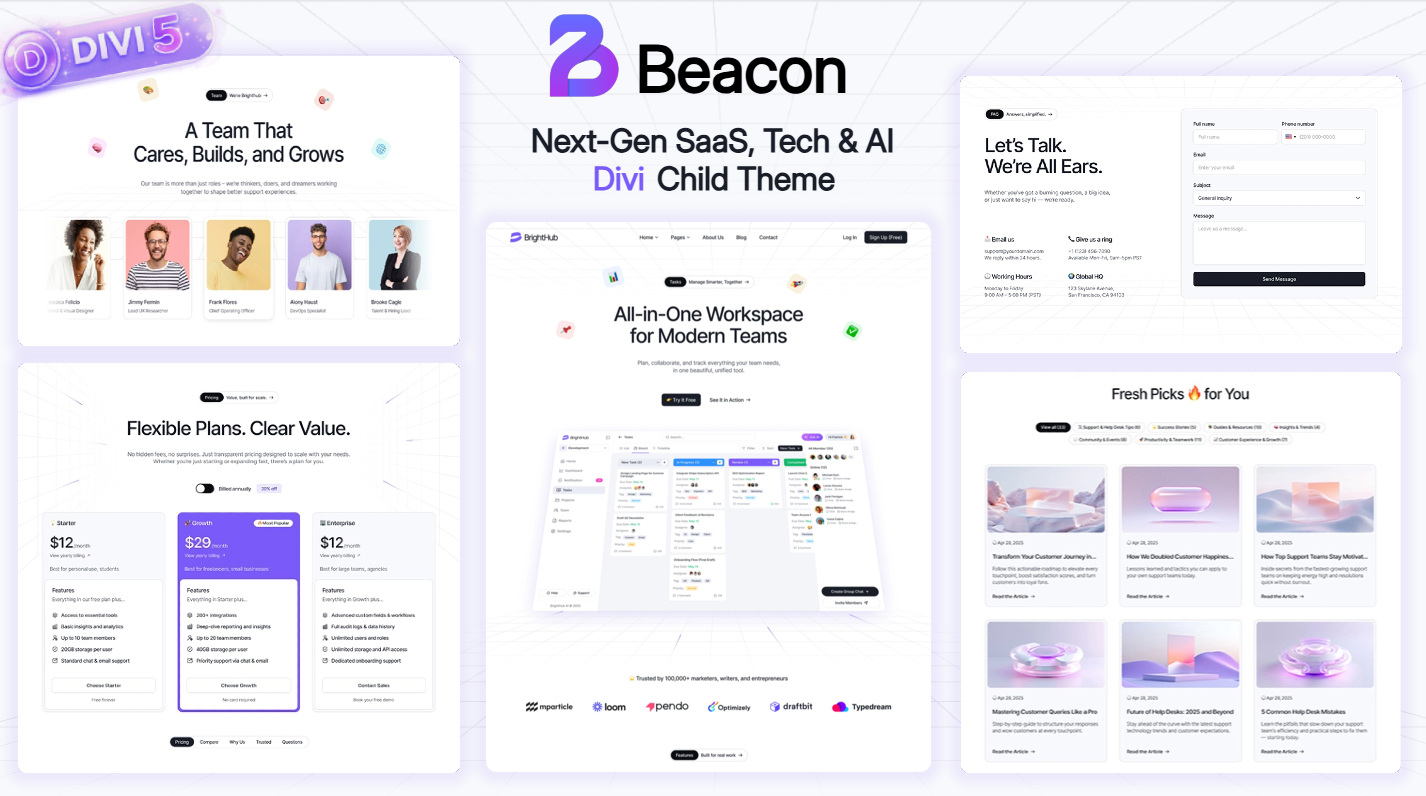
Meet Beacon
Next-Gen SaaS, Tech & AI Divi theme — built for speed, scalability and conversions.
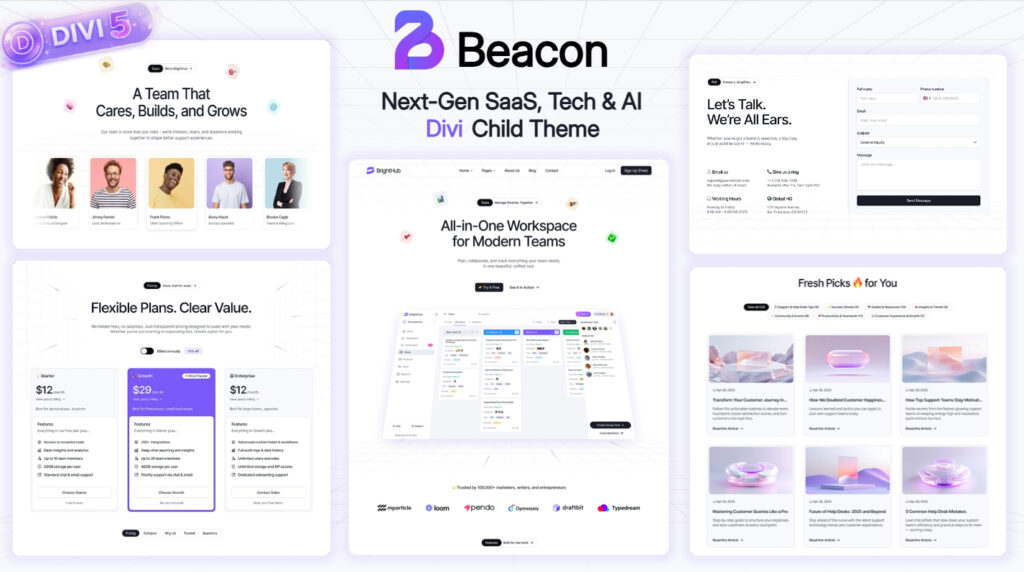
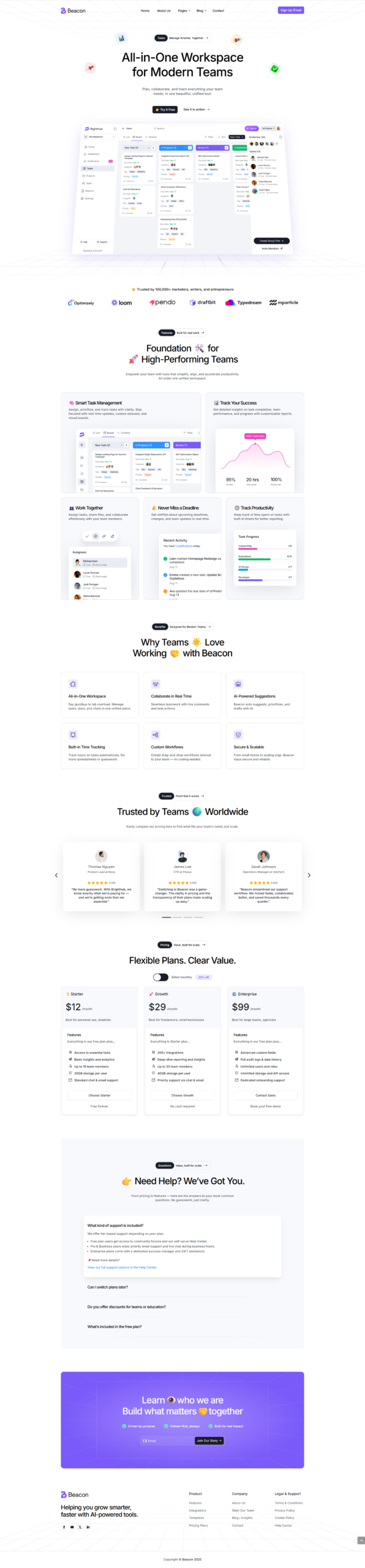
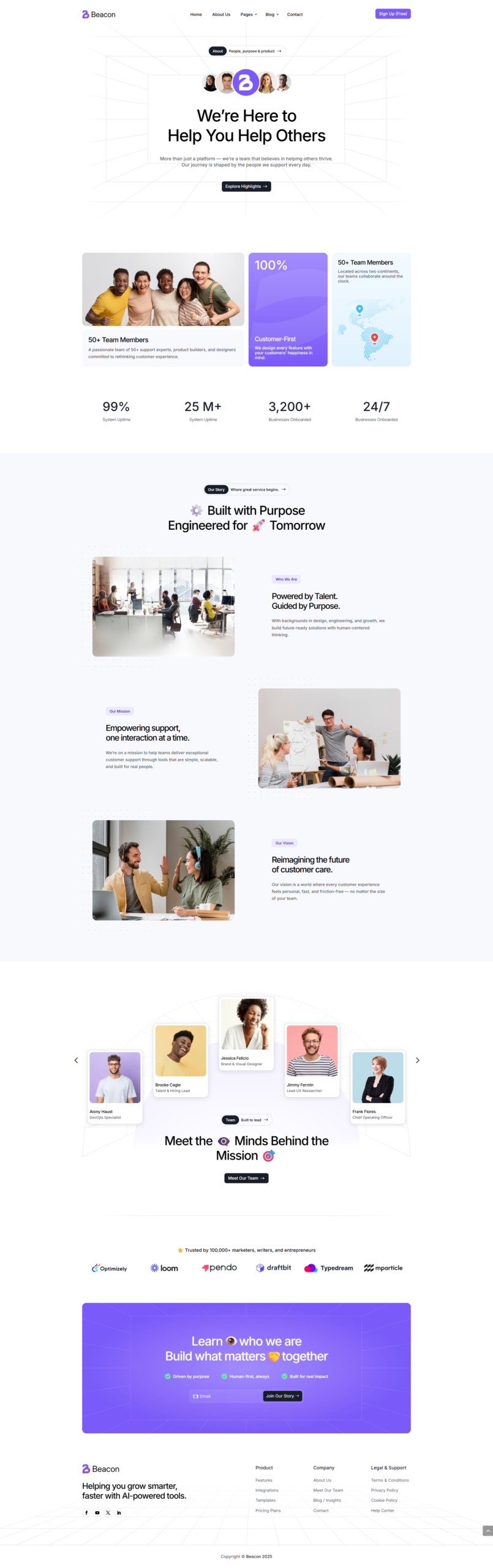
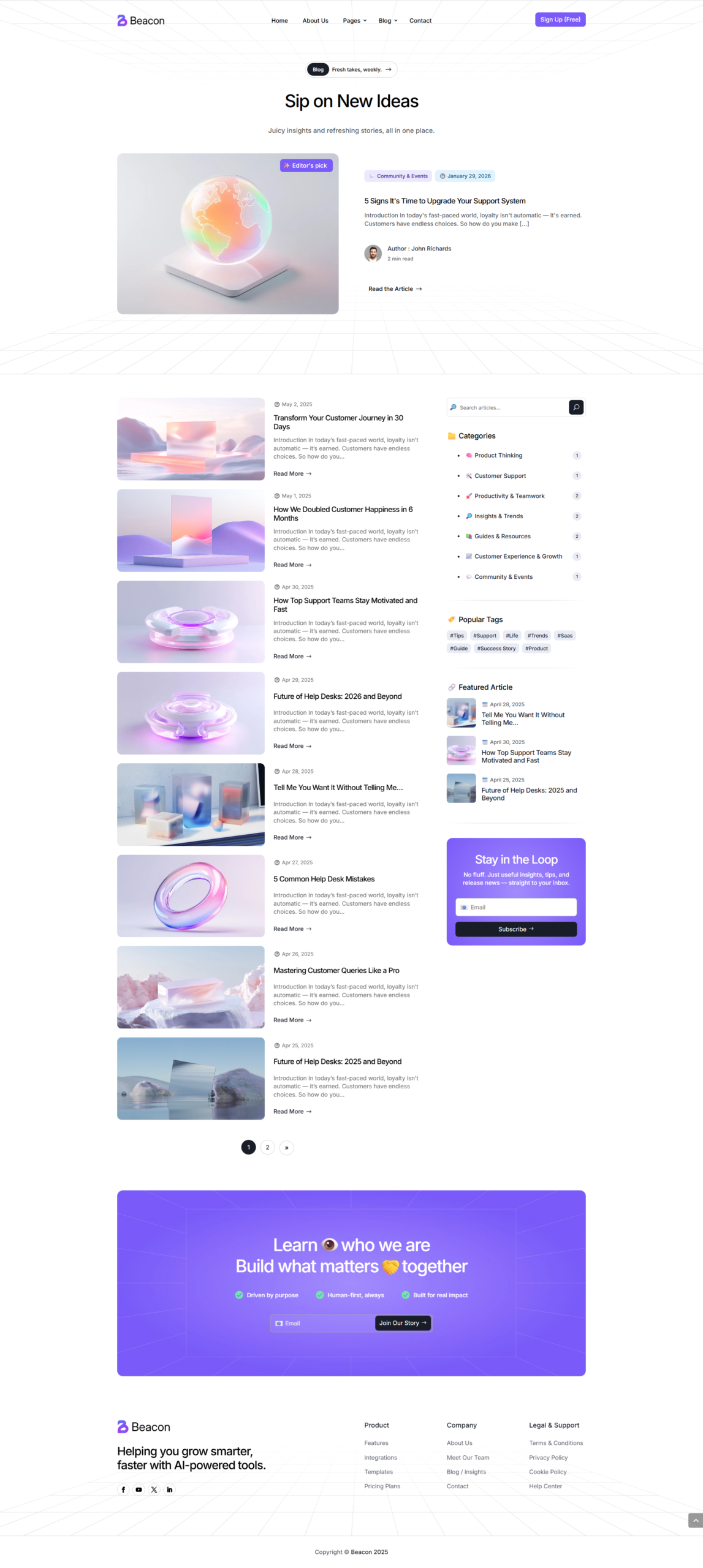
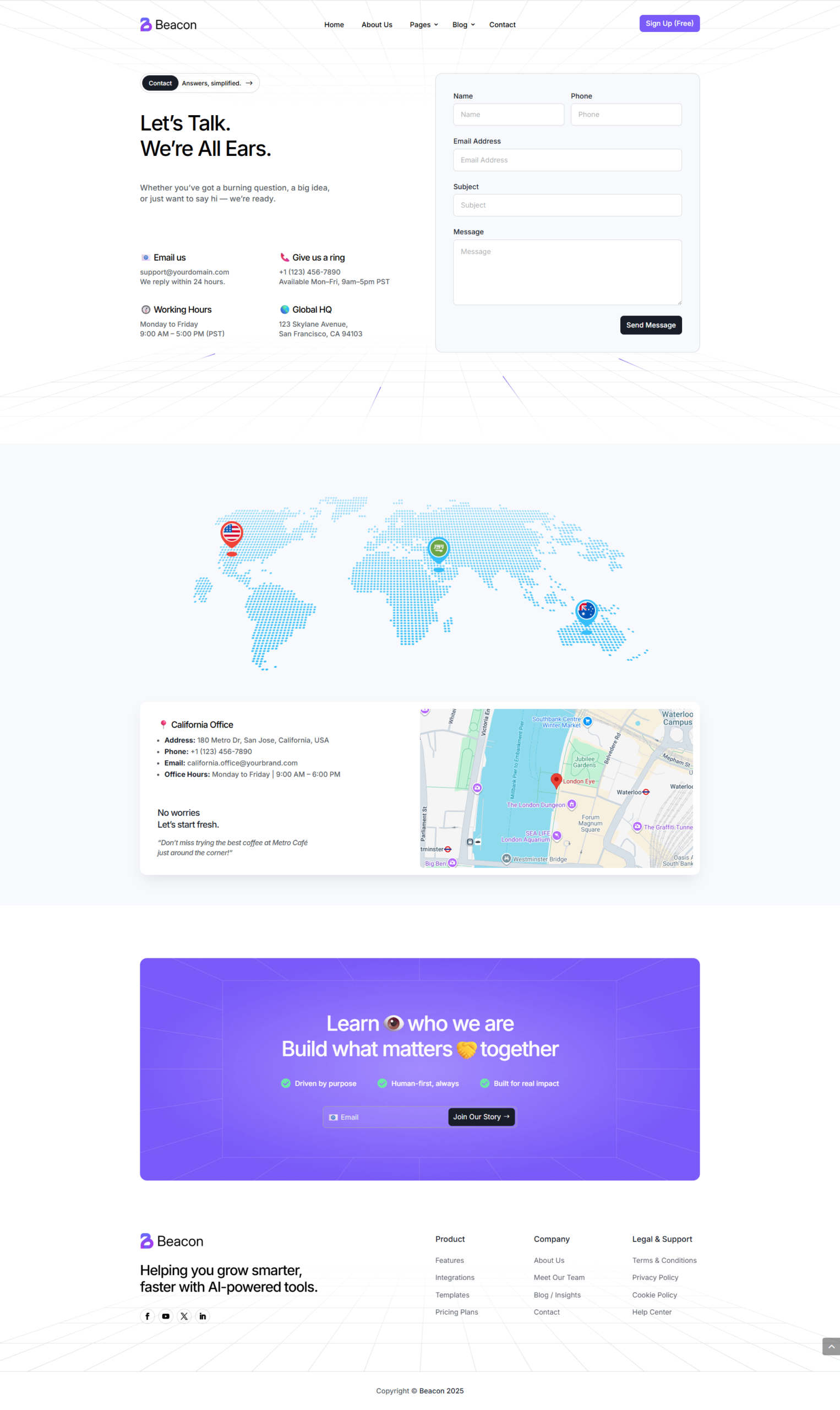
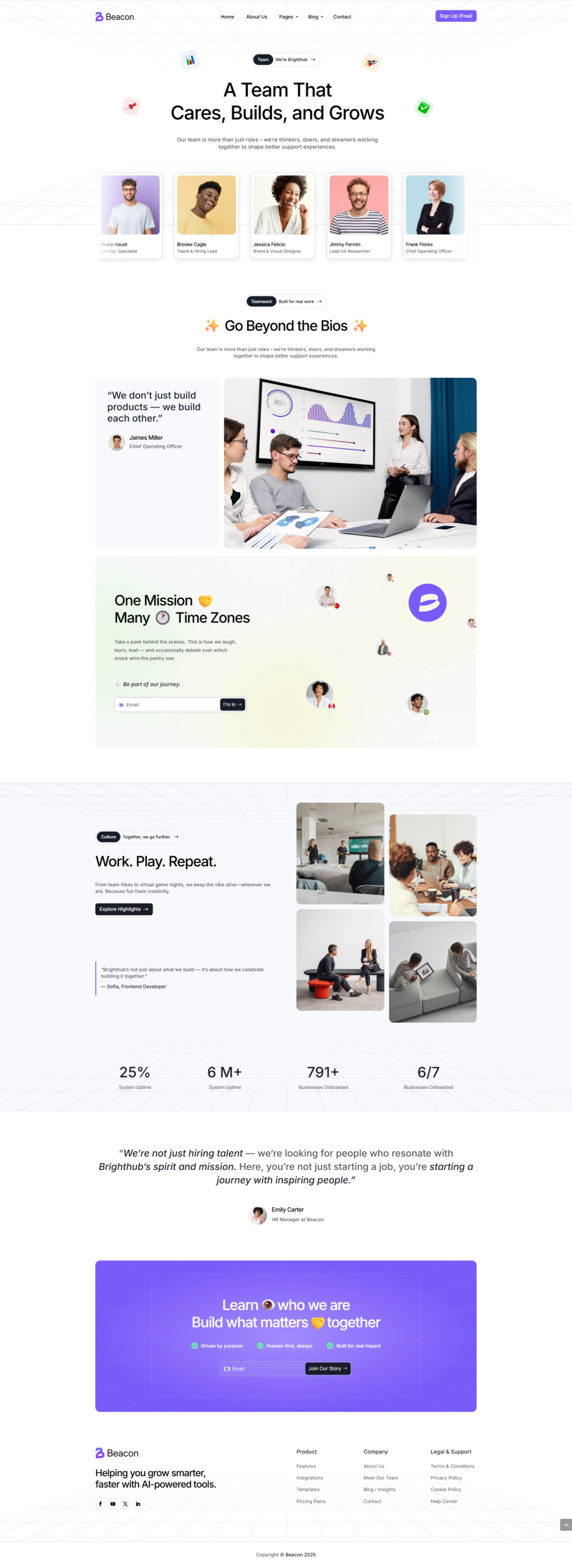
Beacon is a modern, high-performance Divi child theme designed for SaaS, tech startups, AI companies and innovative digital businesses. Built for speed, scalability and conversions, Beacon helps you launch a professional, future-ready website in minutes.
Its clean UI, bold typography and conversion-focused layouts help you build trust, showcase your product and turn visitors into customers from day one.
Key Features
-
Built for SaaS, Tech & AI Businesses
Crafted specifically for software companies, AI platforms, startups and B2B tech brands that need a strong, credible online presence.
-
One-Click Demo Import — Launch in Minutes
Replicate the full demo website including pages, posts, menus, Theme Builder templates and global presets. Get started instantly and customize instead of building from scratch.
-
Lightning-Fast Performance & SEO Ready
Optimized for Core Web Vitals with clean code, lightweight layouts and SEO best practices — your site loads fast and ranks better from day one.
-
Powerful Global Presets & Design System
A complete design system with global colors, fonts and Divi presets — update your entire site’s look and feel in seconds while maintaining perfect consistency.
-
Conversion-Focused Layouts
Every page is designed with UX and conversions in mind — hero sections, pricing tables, feature comparisons, testimonials and CTAs that drive signups and sales.
-
Full Theme Builder Templates Included
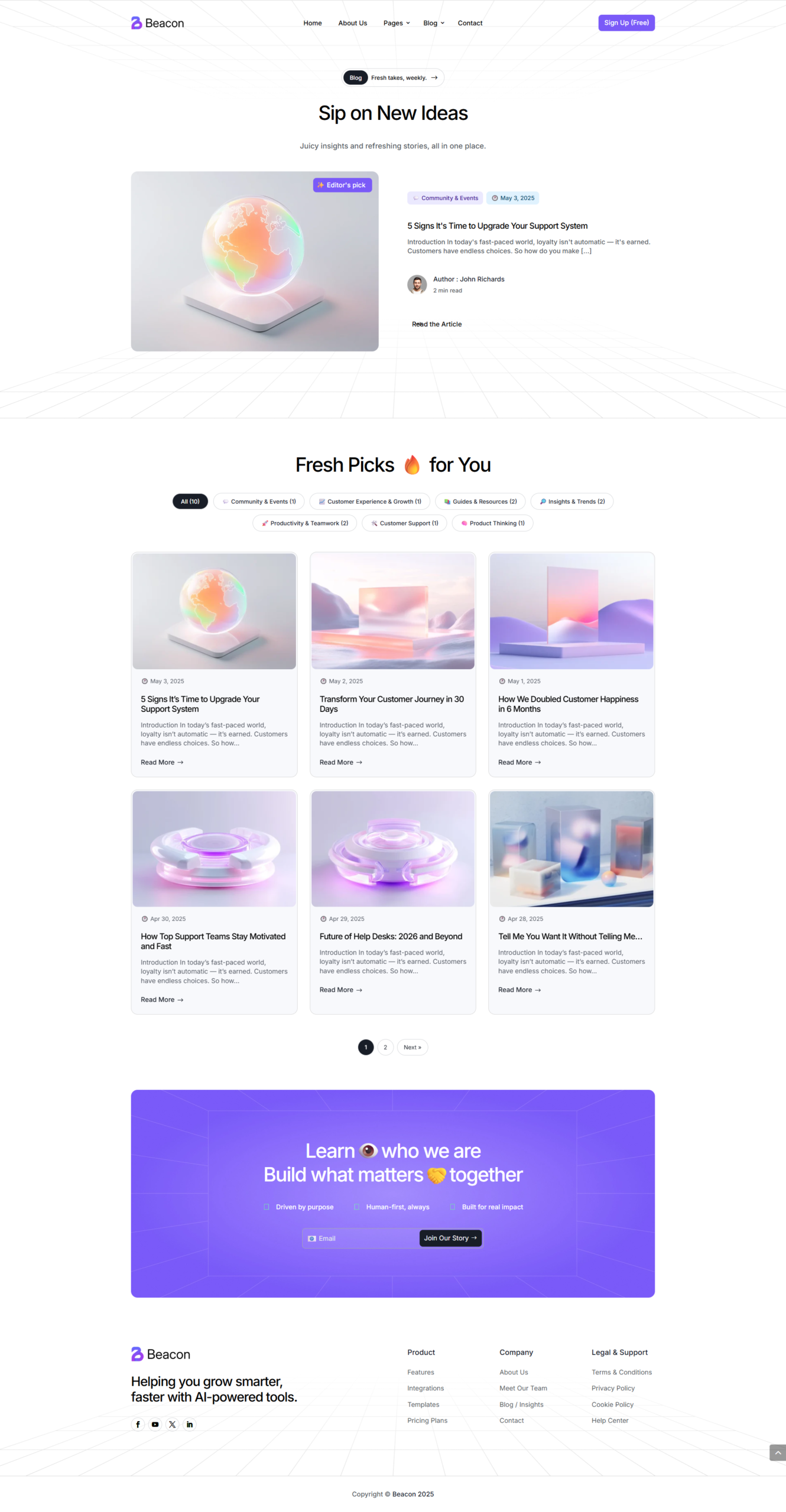
Professionally designed headers, footers, blog templates and dynamic layouts powered by Divi Theme Builder — full control over your site structure and branding.
-
Fully Responsive & Mobile Optimized
100% responsive and tested across all devices — a perfect experience on desktop, tablet and mobile.
-
Easy Customization — No Coding Required
Powered by Divi Visual Builder — change colors, fonts, layouts and content in real time with zero code.
🚀 Launch your future-ready website today
Professional. Fast. Conversion-focused. Everything your tech business needs.
Premium Support
Our team is here to help you every step of the way.
contact@pixelperfect.website
⏱ We respond within 24 hours
How to Install Your Pixel Perfect Divi Theme
Follow these steps to get your site up and running in minutes.
Requirements
- WordPress 6.0+
- Divi 5 installed
- PHP 7.4+
Install the Child Theme
- Log in to your WordPress admin dashboard.
- Go to Appearance → Themes → Add New → Upload Theme..
- Click Choose File and select the .zip file included with your purchase.
- Click Install Now, then Activate.
Run the Import
- Click the theme menu item in your WordPress sidebar.
- On the import screen, click Start Import.
- The installer will automatically import:
- Child theme files
- Pages & content
- Images & media
- Menus & navigation
- Divi Theme Options
- Customizer settings
- Divi Library layouts
- Theme Builder
That's it ! Enjoy your new site! 🎉
Your theme is fully installed and ready to go. Browse your site and explore everything that's been set up for you.
Need Help?
If you run into any issues during installation, contact our support team and include a screenshot of the error message.
Contact Support$49.00
Unlimited Website Usage
1 Year Support & Updates
Tags
Explore More Themes