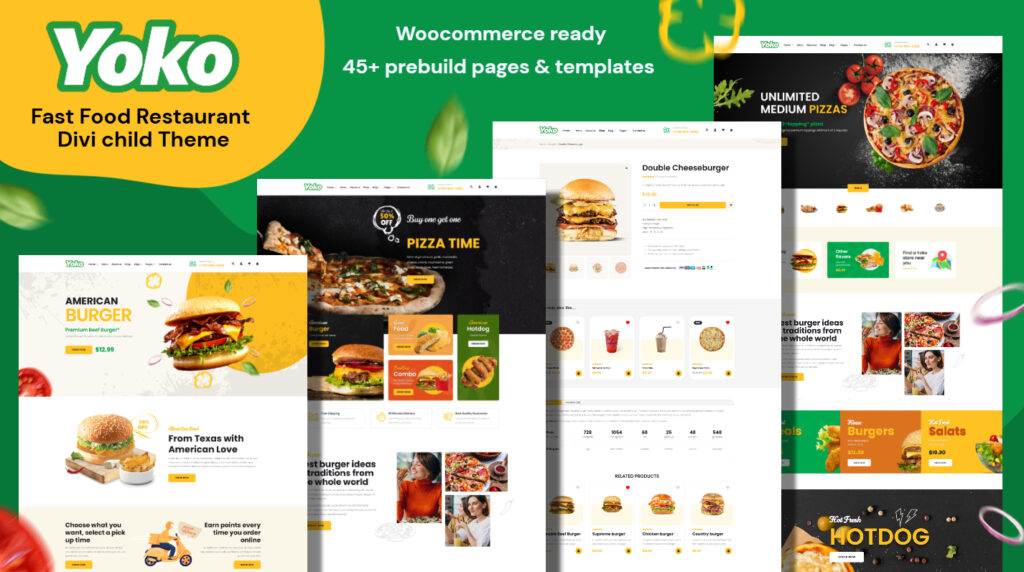
Yoko | Fast Food & Restaurant Divi Theme
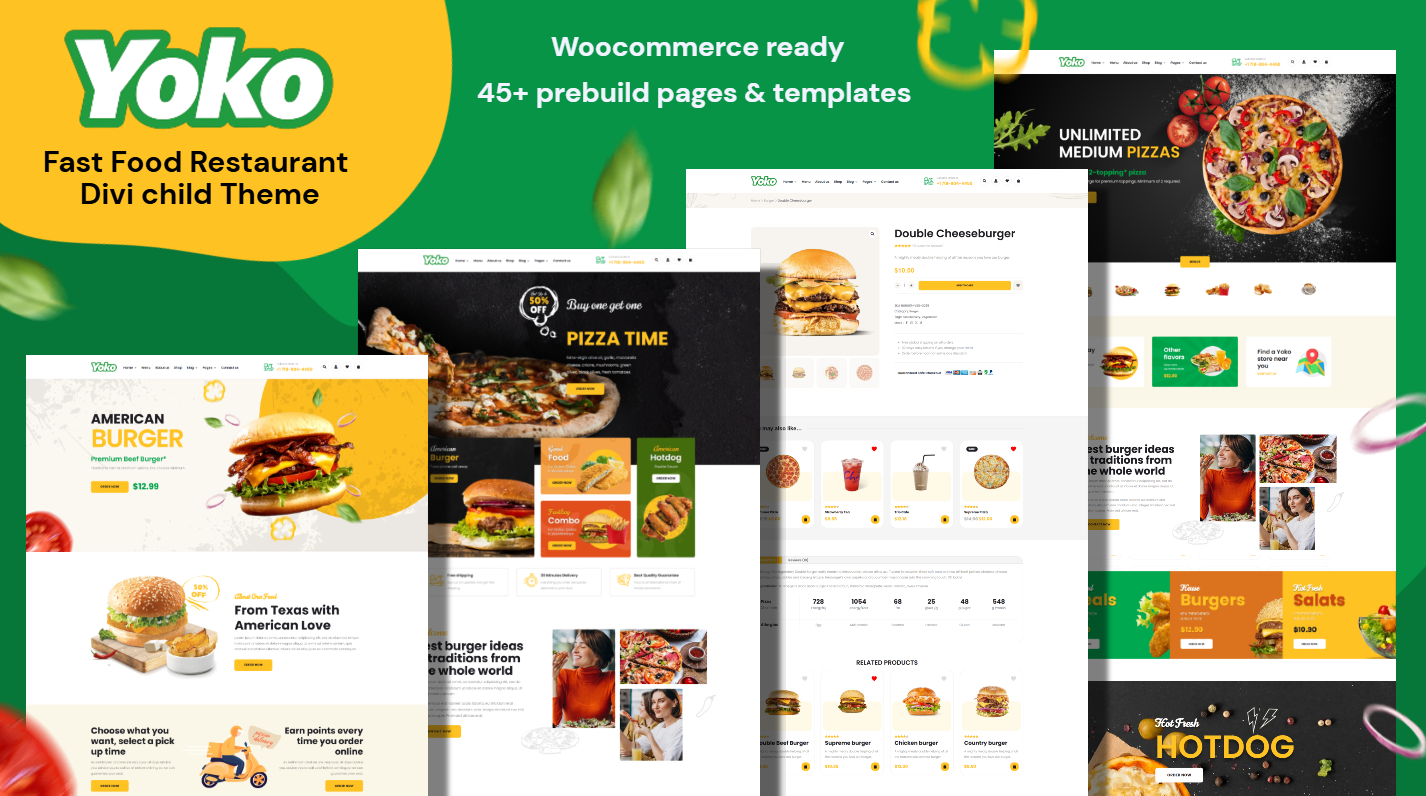
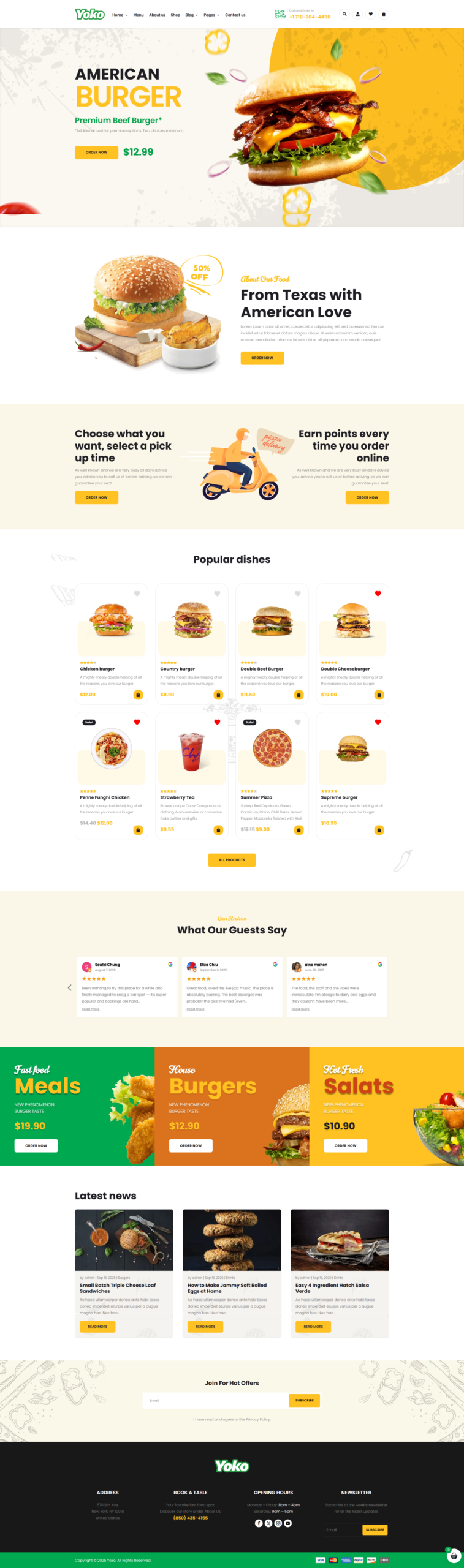
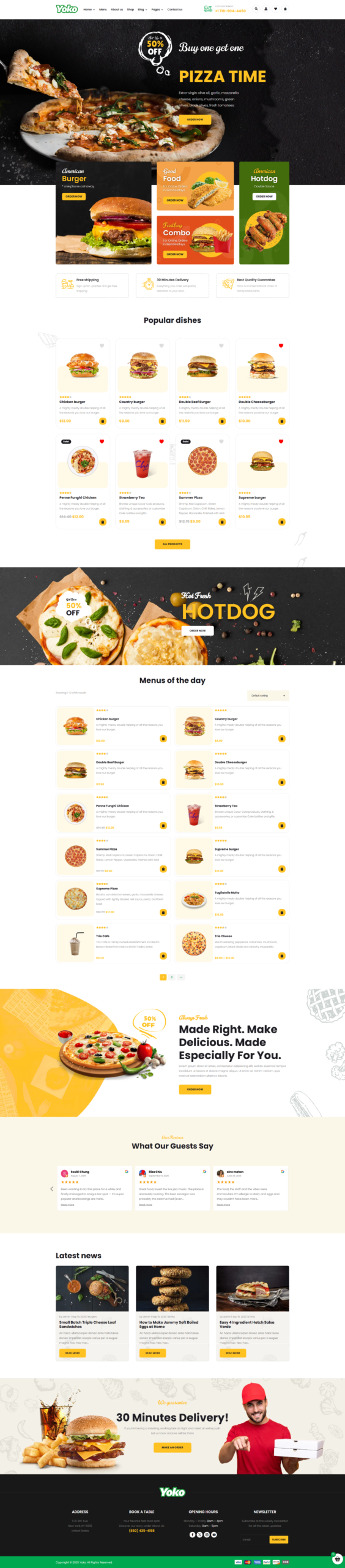
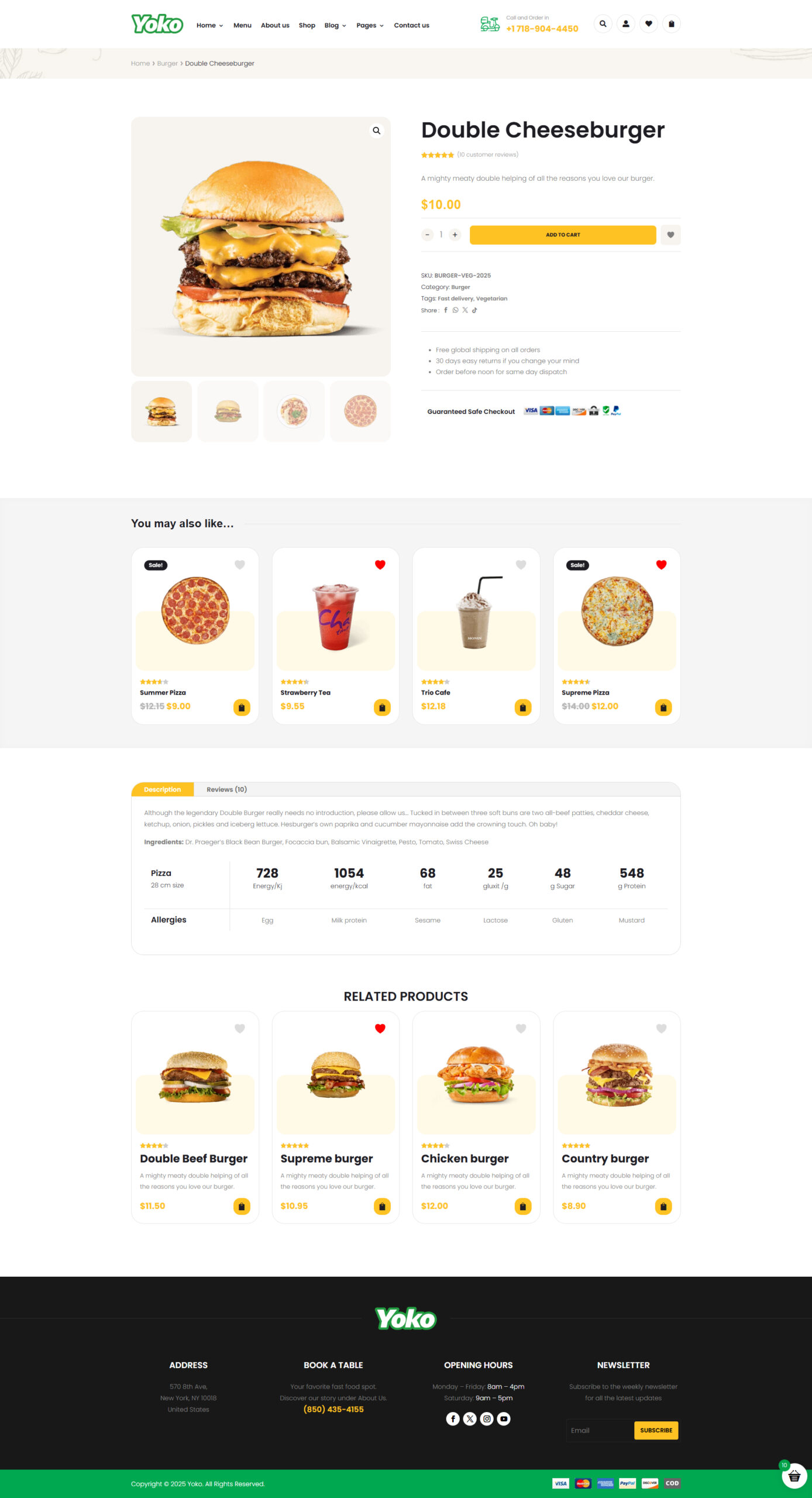
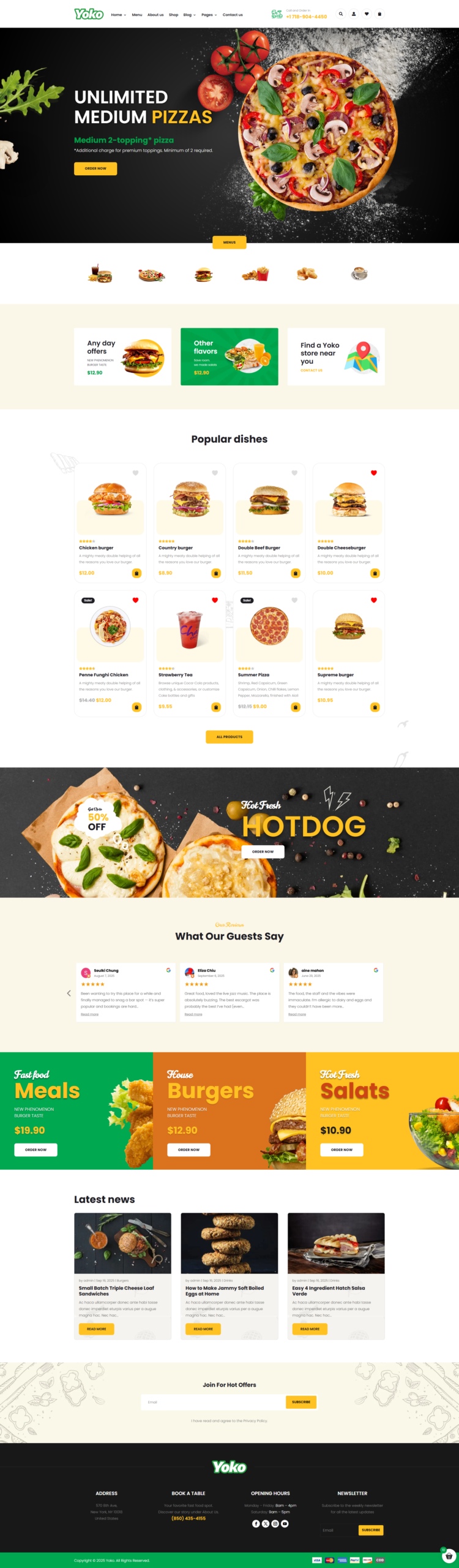
Meet Yoko
The modern Divi theme for restaurants, cafés & food businesses — bold, appetizing, and built to convert.
Key Features
Built for Food Businesses
Every layout, section, and detail is designed with restaurants in mind — from the hero to the menu, your food is always the star.
Ready-to-Use Pages
Comes with all the pages your restaurant needs — Home, Menu, About, Contact, and a Reservations page ready to go from day one.
Easy Customization
Fully powered by the Divi Builder — update your colors, photos, and menu items visually, with zero coding required.
Optimized Performance
Fast-loading and lightweight — because slow websites lose customers. Better speed means better SEO and a smoother user experience.
Fully Responsive
Looks perfect on every device — whether your customers are browsing on a phone, tablet, or desktop, your site always shines.
Smooth Animations
Subtle motion effects that bring your pages to life — adding polish and energy without ever distracting from your content.
One-Click Demo Import
Get your restaurant website live in minutes — all pages, sections, and demo content set up instantly, ready to personalize.
SEO-Friendly
Optimized structure and clean code to help your restaurant rank in local search results and get discovered by new customers.
🍴 Where taste meets design.
A stunning restaurant website, ready in minutes. No coding, no compromise.
Reliable & Responsive Support
Our team is here to help you every step of the way.
contact@pixelperfect.website
⏱ We respond within 24 hours
How to Install Your Pixel Perfect Divi Theme
Follow these steps to get your site up and running in minutes.
Requirements
- WordPress 6.0+
- Divi 5 installed
- PHP 7.4+
Install the Child Theme
- Log in to your WordPress admin dashboard.
- Go to Appearance → Themes → Add New → Upload Theme..
- Click Choose File and select the .zip file included with your purchase.
- Click Install Now, then Activate.
Run the Import
- Click the theme menu item in your WordPress sidebar.
- On the import screen, click Start Import.
- The installer will automatically import:
- Child theme files
- Pages & content
- Images & media
- Menus & navigation
- Divi Theme Options
- Customizer settings
- Divi Library layouts
- Theme Builder
That's it ! Enjoy your new site! 🎉
Your theme is fully installed and ready to go. Browse your site and explore everything that's been set up for you.
Need Help?
If you run into any issues during installation, contact our support team and include a screenshot of the error message.
Contact Support$49.00
Unlimited Website Usage
1 Year Support & Updates
Tags
Explore More Themes