Nova | Multipurpose Divi Theme
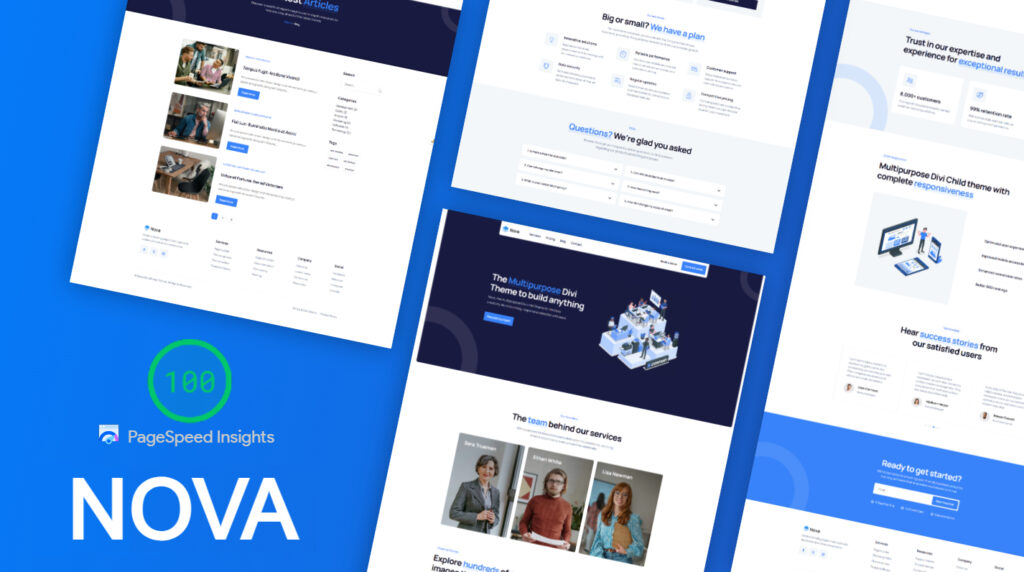
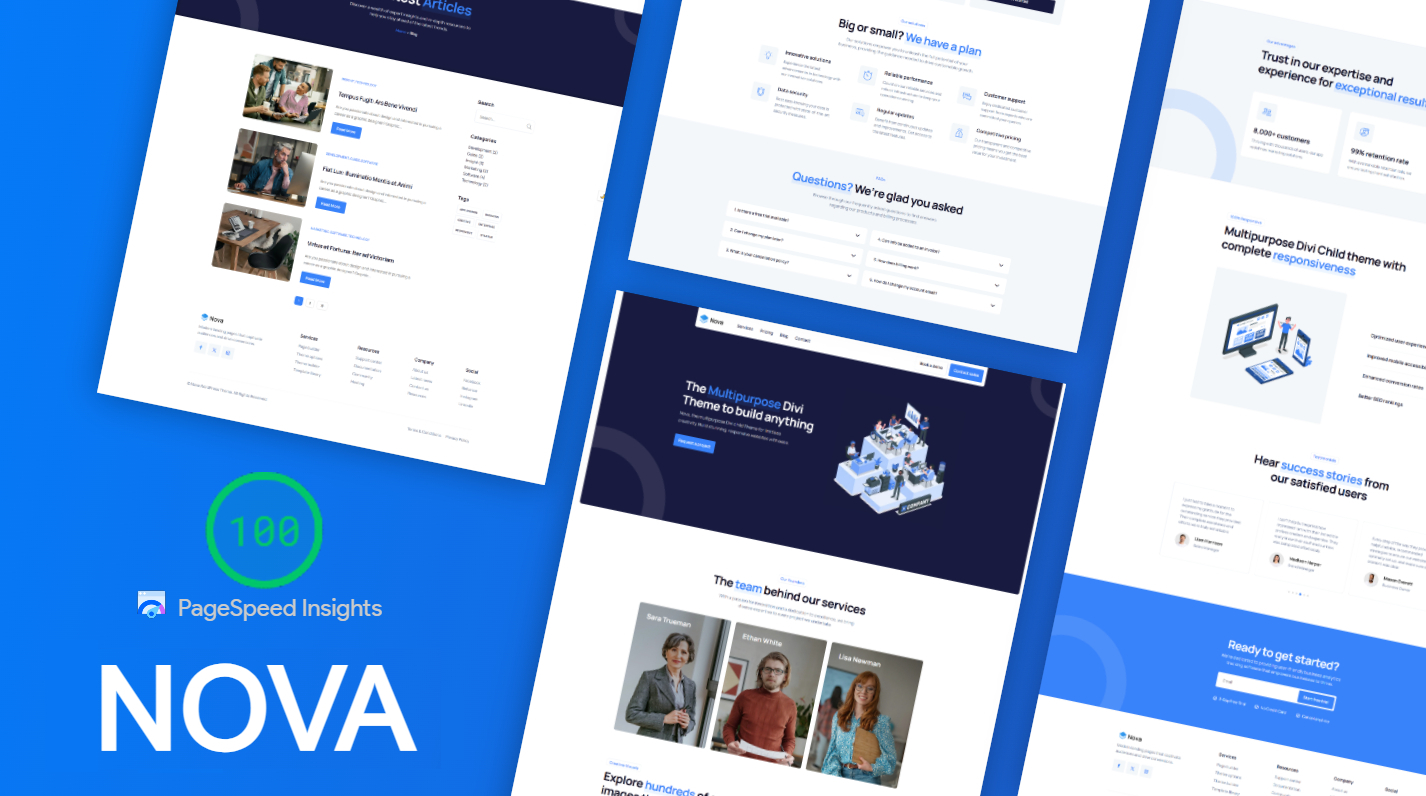
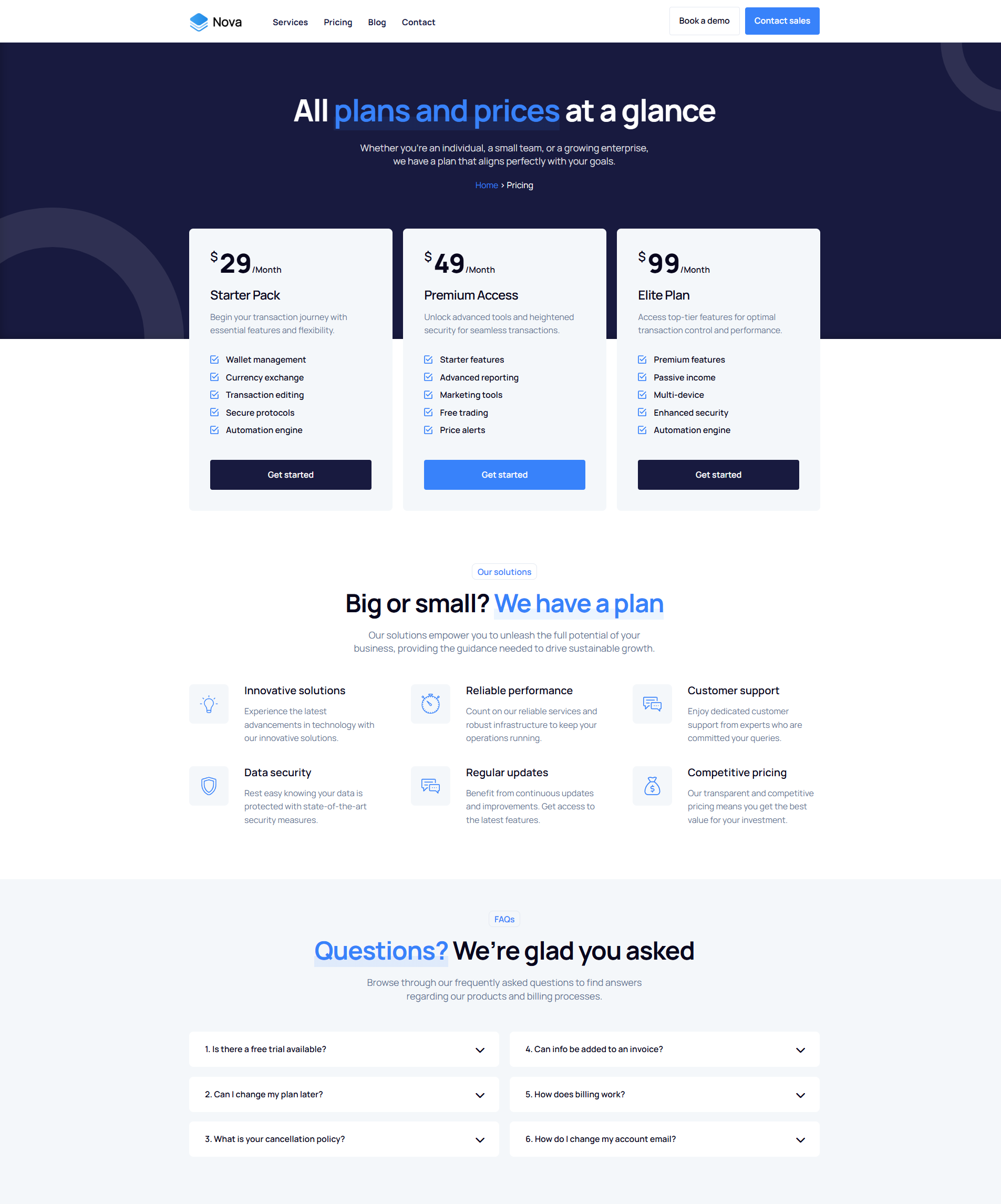
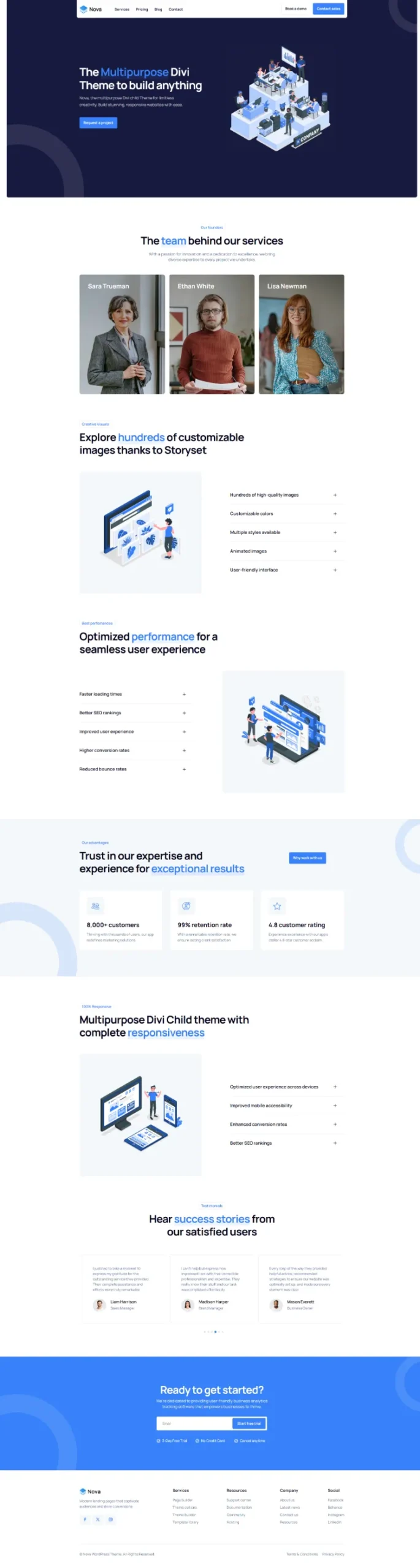
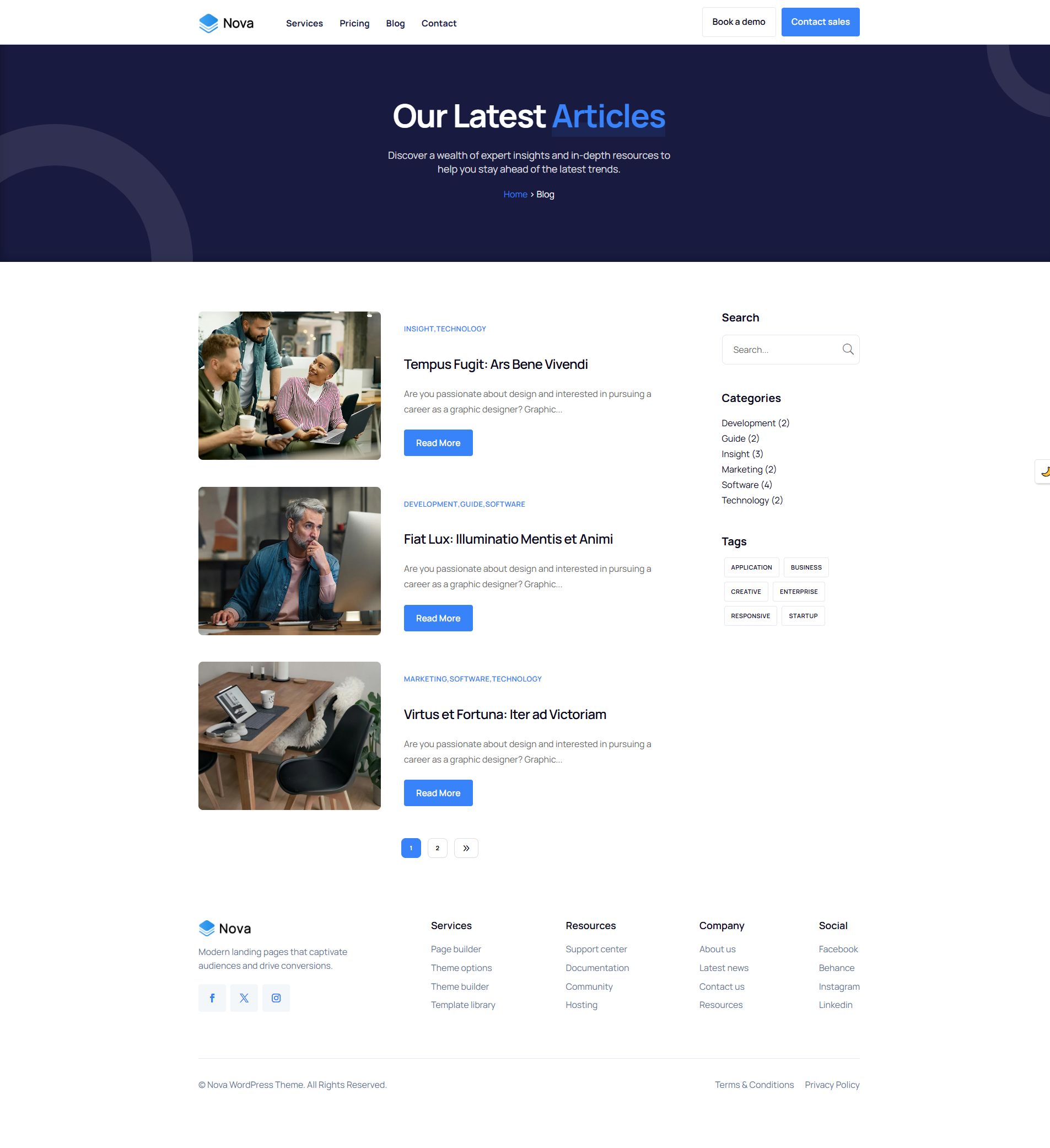
Meet Nova
The ultimate multipurpose Divi theme — versatile, elegant, and built for performance.
Key Features
Modern & Sleek Design
A refined, minimalist aesthetic that enhances your content and leaves a lasting impression.
Easy Customization
Modify colors, typography, and layouts effortlessly — no coding required.
One-Click Demo Import
Set up your website instantly with pre-built templates — your site is ready in minutes.
Fully Responsive
Optimized for all devices — flawless experience on desktops, tablets, and smartphones.
Lightning-Fast Performance
Built for speed, improving both user experience and SEO rankings from day one.
SEO-Friendly
Optimized for search engines to help boost your site’s visibility and organic traffic.
Lightweight & Efficient
Designed for maximum performance without unnecessary bloat — fast by default.
Pre-Designed Templates
Get started quickly with a variety of professional layouts covering any use case.
🚀 The perfect all-in-one solution
Create a stunning, high-performance website effortlessly with Nova.
Premium Support
Our team is here to help you every step of the way.
contact@pixelperfect.website
⏱ We respond within 24 hours
How to Install Your Pixel Perfect Divi Theme
Follow these steps to get your site up and running in minutes.
Requirements
- WordPress 6.0+
- Divi 5 installed
- PHP 7.4+
Install the Child Theme
- Log in to your WordPress admin dashboard.
- Go to Appearance → Themes → Add New → Upload Theme..
- Click Choose File and select the .zip file included with your purchase.
- Click Install Now, then Activate.
Run the Import
- Click the theme menu item in your WordPress sidebar.
- On the import screen, click Start Import.
- The installer will automatically import:
- Child theme files
- Pages & content
- Images & media
- Menus & navigation
- Divi Theme Options
- Customizer settings
- Divi Library layouts
- Theme Builder
That's it ! Enjoy your new site! 🎉
Your theme is fully installed and ready to go. Browse your site and explore everything that's been set up for you.
Need Help?
If you run into any issues during installation, contact our support team and include a screenshot of the error message.
Contact Support$49.00
Unlimited Website Usage
1 Year Support & Updates
Tags
Explore More Themes